Free Tool Workflow
Redact PDF files online with permanent removal
Use this workflow when you need true redaction - not visual masking. Upload, mark text or regions, and export a clean PDF that removes underlying content.
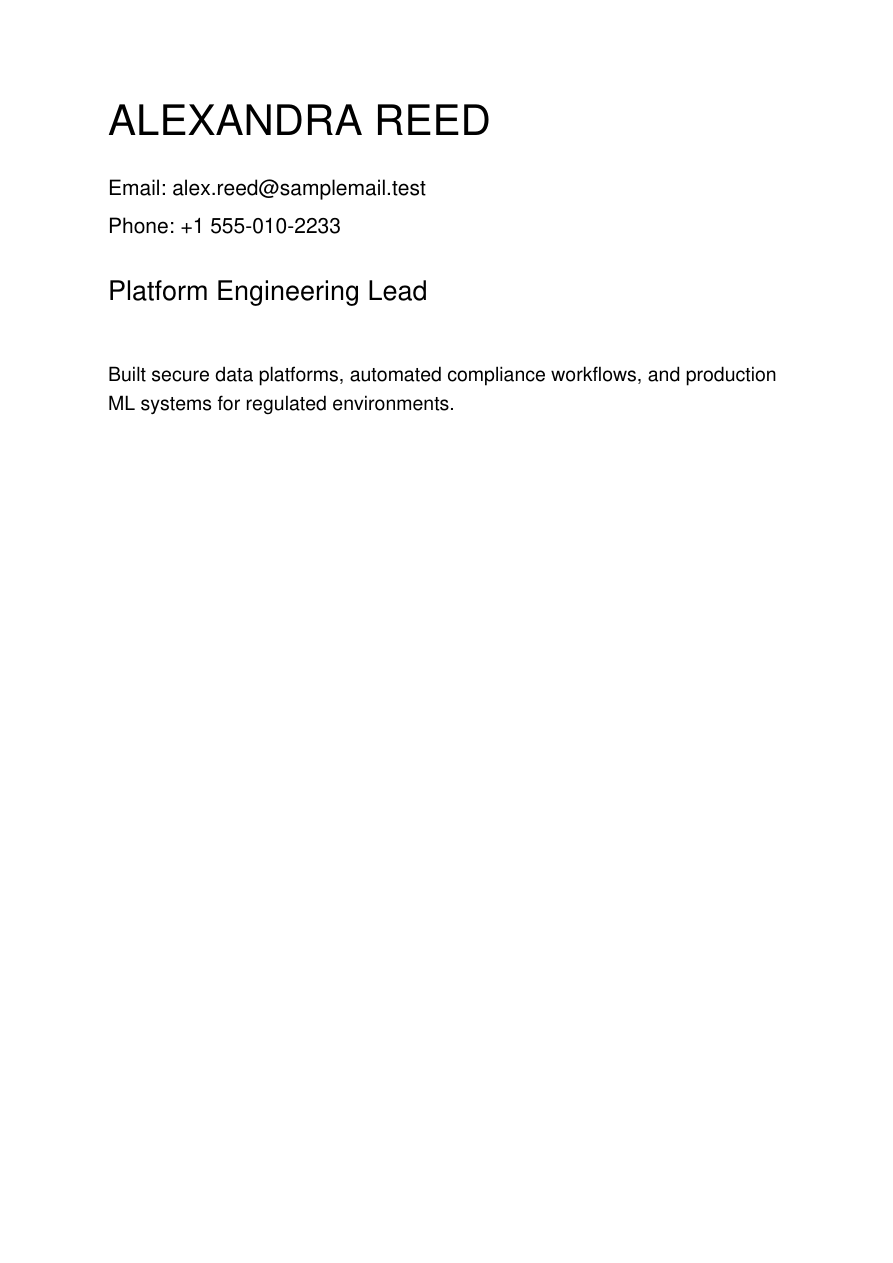
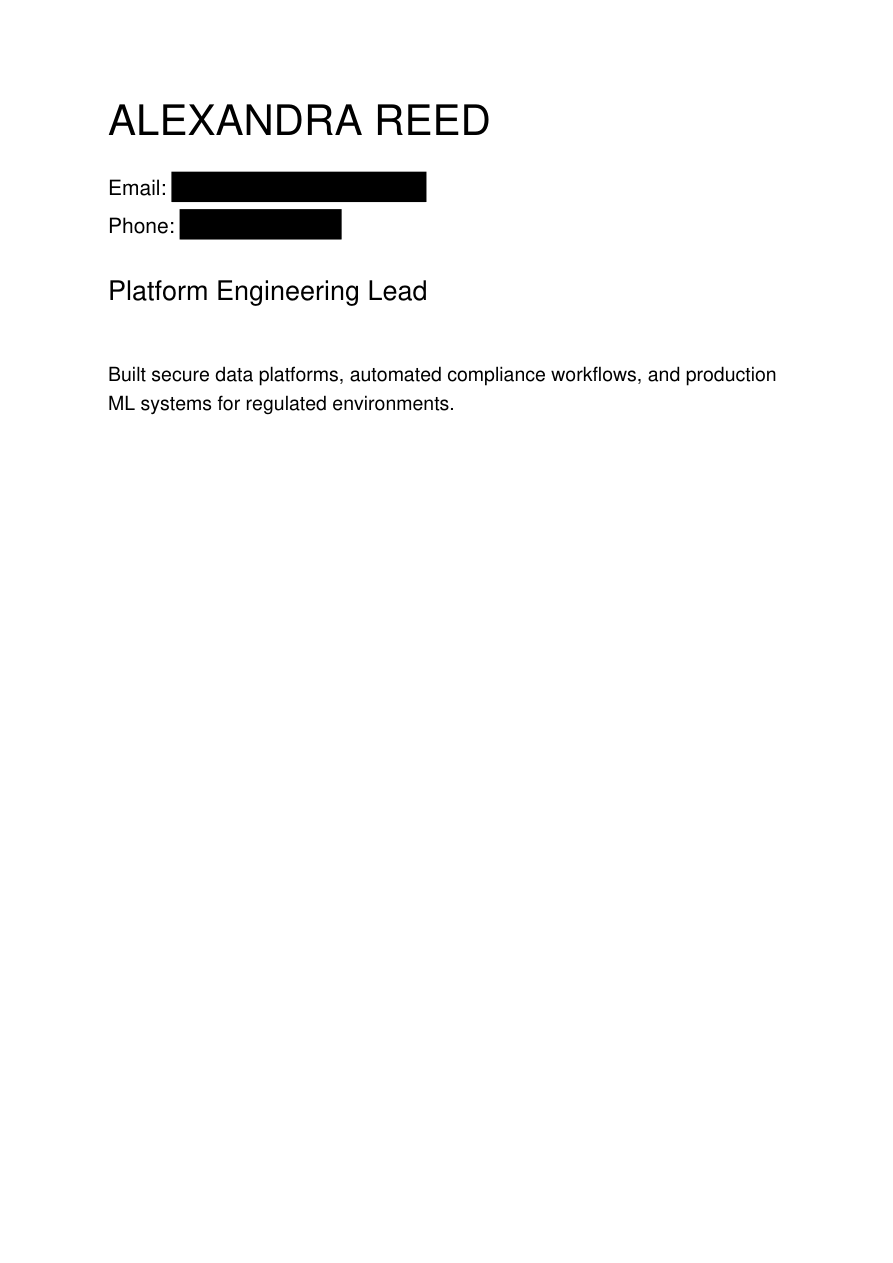
Real redaction screenshots
Step-by-step workflow
- Open the free tool and upload your PDF (up to 50 MB).
- Add text patterns like names, email addresses, account IDs, or project codenames.
- Draw rectangular regions for logos, signatures, stamps, or diagrams.
- Apply redaction and generate the final document.
- Download and run a final QA check before sharing.
Practical examples
Resume sharingRemove phone number, personal email, and street address before recruiter outreach.
Vendor contractsRedact bank details, private rates, and internal approver names.
Board decksMask confidential roadmaps and acquisition discussion sections.
FAQ
Is this true redaction or just a black box?
It is true redaction. The selected content is removed and then covered, rather than only hidden visually.
Can I redact by both text and region in one run?
Yes. You can combine text patterns and manual region selections before generating the output.
Do I need an account?
No signup is required for standard usage.
Ready to redact your file?
Use the live redaction interface to remove sensitive content and generate your final PDF.