Free Tool Workflow
Privacy practices for document redaction
This privacy overview explains data handling for redaction sessions, optional feedback submissions, and anonymized usage metrics.
Real redaction screenshots
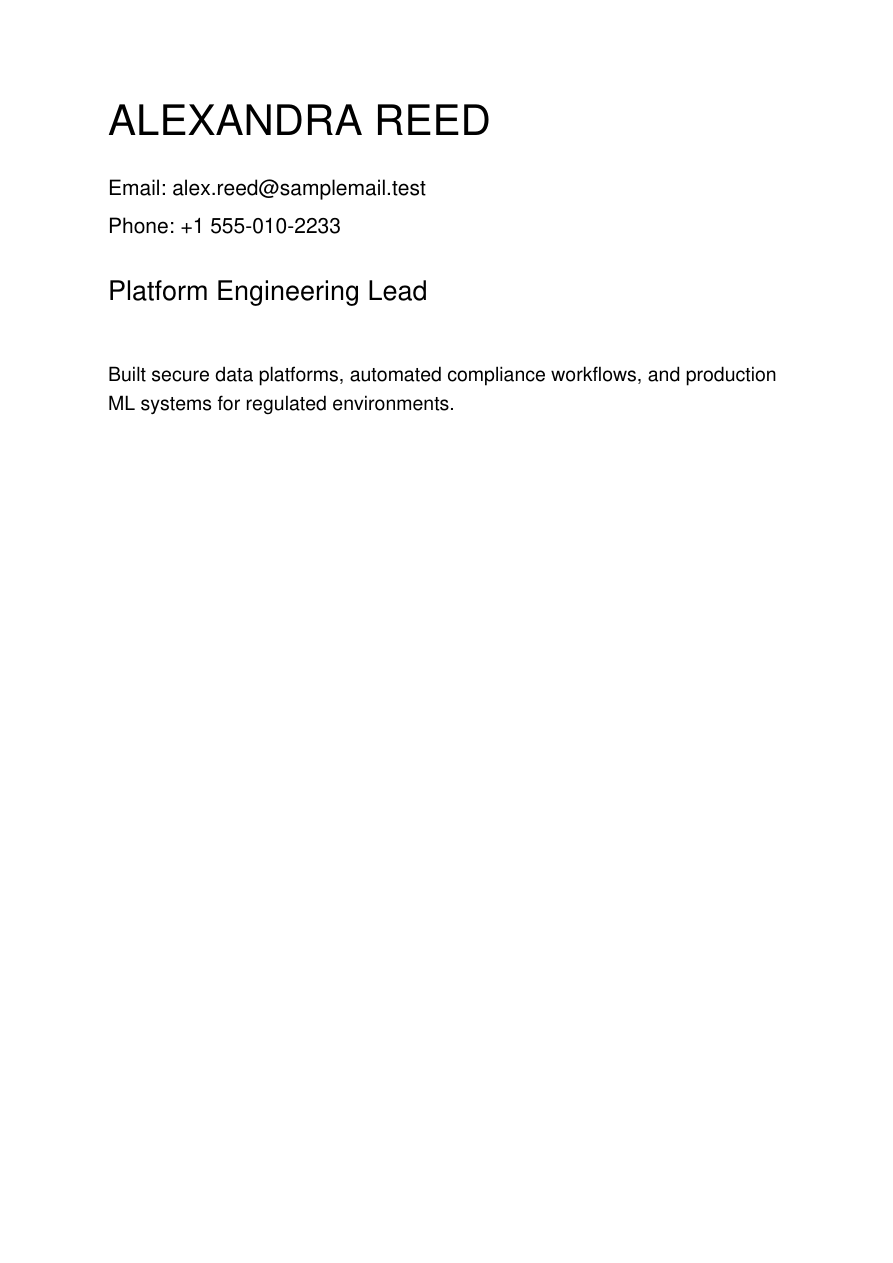
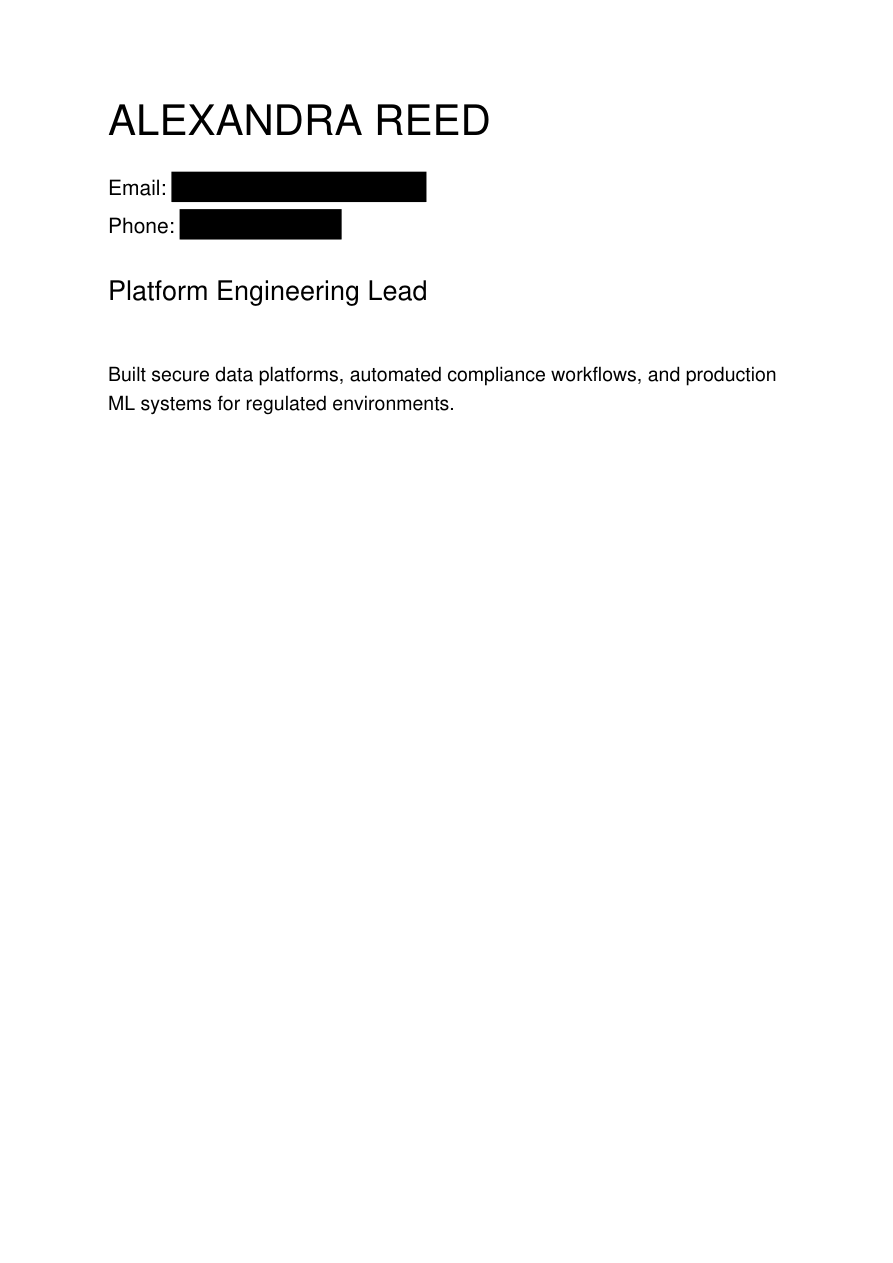
Step-by-step workflow
- Upload only documents you are authorized to process.
- Redact required fields and download the output promptly.
- Do not share the unredacted source file outside approved channels.
- Review your organization retention policy for both input and output.
- Use feedback fields responsibly and avoid pasting sensitive secrets there.
Practical examples
Session metricsUploads, redactions, and downloads can be tracked in anonymized counters.
Feedback dataOptional rating and text feedback can be stored for product quality improvement.
Operational privacyNo account signup is required for baseline usage flow.
FAQ
Is my session ID stored in plain text?
Session usage is tracked with an anonymized salted hash rather than raw session values.
What data should I avoid in feedback?
Do not include secrets, credentials, or sensitive customer identifiers in free-text feedback.
Can organizations add stricter controls?
Yes. You can deploy with custom retention windows, private networking, and internal policy checks.
Ready to redact your file?
Use the live redaction interface to remove sensitive content and generate your final PDF.